Installing Office 365 Applications
If you have a subscription to Office 365 Business Premium, you can install the desktop versions of Office applications like Word, Excel and PowerPoint on your computer.
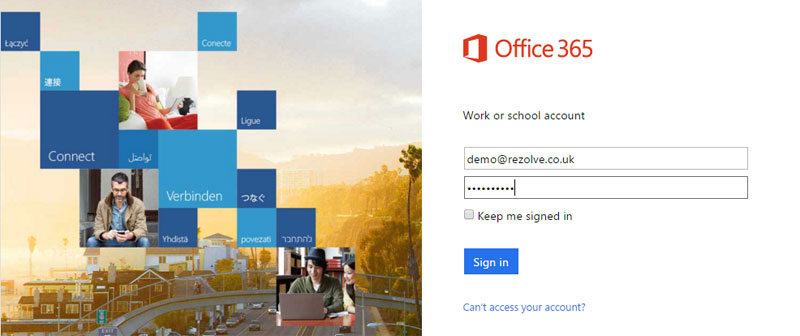
To start, go to https://portal.office365.com and log in with your user email address and password:
Once logged in you'll see the option to Install Now:

Just click on that and follow the instructions. You may wish to untick the options to change your browser and homepage, as we have done above.
For more information, see here: https://support.office.com/en-us/article/Download-and-install-Office-using-Office-365-for-business-on-your-PC-72977511-dfd1-4d8b-856f-405cfb76839c